Automatic return labels
QuickReturns creates automatic return labels and emails each one to the shopper, with tracking, as soon as a return is approved.
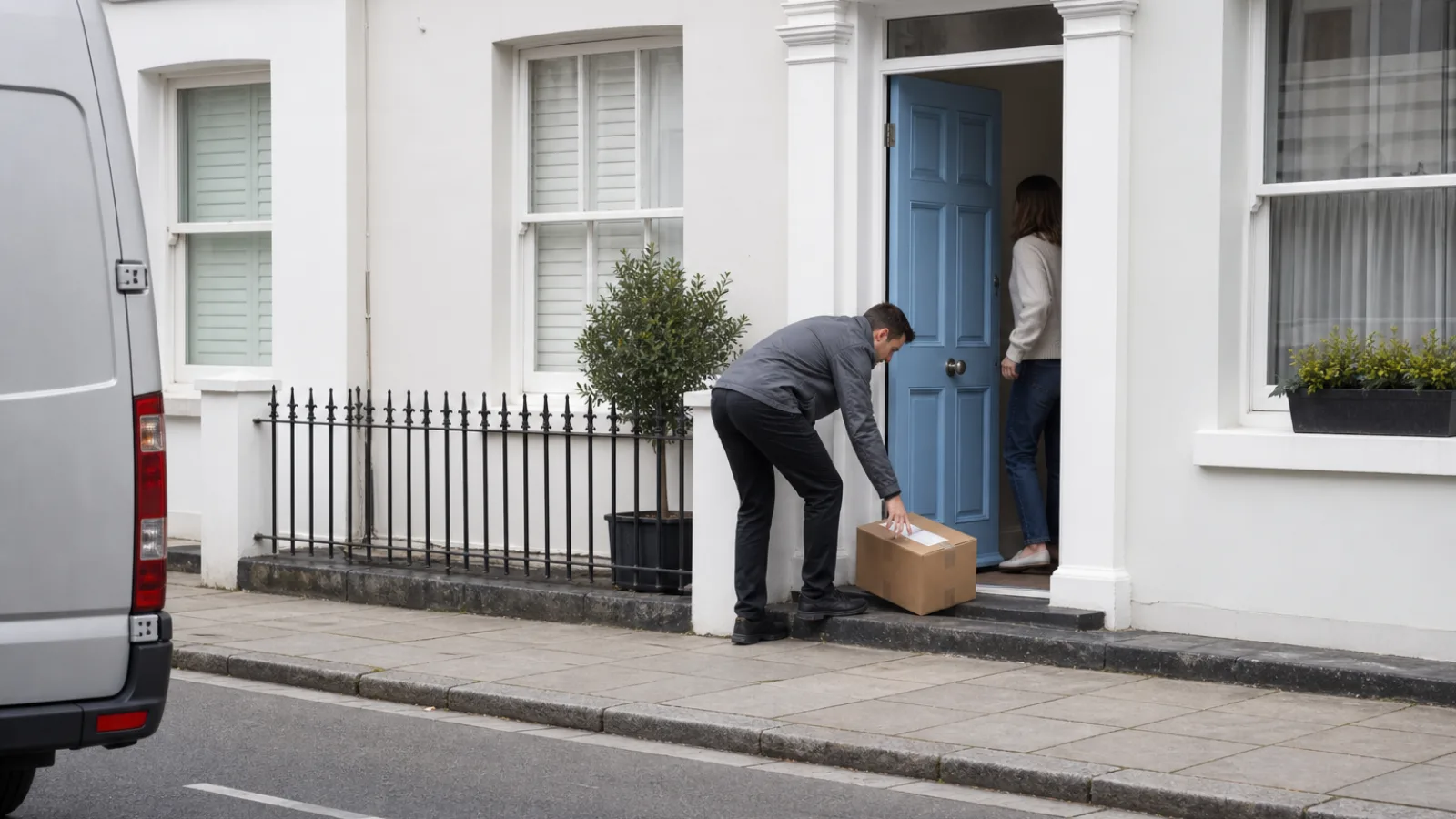
What QuickReturns labels do
The shopper requests a return  in your portal, you approve it, and a prepaid label
 with tracking reaches their inbox.
Automatic return labels are created through the carrier account you connect, and that account is billed for each label. Royal Mail Tracked 24 and Tracked 48 labels can also be created without a courier signup. The label is free for the shopper by default, and a return fee rule changes that. See how prepaid return labels work for the basics.
How a label reaches the shopper
The shopper starts a return
They find the order with its number plus email or phone, choose Send a return label and pick a pickup date.
You approve it, or a rule does
Approve by hand, or let an automation rule approve new requests (not on the Forever Free plan).
The label is created
QuickReturns creates the label with your connected carrier.
Label and tracking go out
The shopper gets the label and a tracking link by email, with no manual step once the request is approved.
What you control
The rules sit with you: which carrier, who pays and which ways a shopper can send an item back.
Your carrier account
Labels are created on the carrier account you connect.
Free by default
The shopper pays nothing for the label unless you add a return fee rule.
Rules by reason or product
Limit a fee rule by return reason, product tag, SKU or customer location.
Returns, exchanges or both
Each rule applies to returns, to exchanges or to both.
Three return methods
Send a return label, Drop off at store and Ship it back myself each have their own switch.
Pickup date
With Send a return label, the shopper picks the date the courier collects.
Who pays for the return label
Free for the shopper by default, or a fee you set. Here is what a shopper pays on a $60 return.
No fee
$0
Refund $60
The default. The label costs the shopper nothing.
A fee you set
$5
Refund $55
A fixed amount, a percentage of the order, or both.
Courier Rate
$8
Refund $52
The carrier’s live label rate, here $8, with a fallback amount you set.
A return fee comes off the refund by default, or is collected upfront with a connected payment provider. An exchange fee is added to the exchange order by default. Setup steps are in the QuickReturns Help Center guide.
How the parcel leaves
With a prepaid label in their inbox, the shopper either waits for the courier on the pickup date they chose or takes the parcel to a drop-off point.
Carriers that create labels automatically
Each of these carriers creates prepaid return labels automatically and supports the Courier Rate fee.
UK and Europe
3 carriers- Royal Mail
Connect your own Royal Mail account, or create Tracked 24 and Tracked 48 labels without signing up with any courier.
- Evri
- DHL
Australia
1 carrier- Australia Post
Multi-carrier
3 platforms- Shippo
- Easyship
- MyParcel
QuickReturns also connects with Colissimo, Shiprocket, Delhivery, Blue Dart and Xpressbees. See every QuickReturns integration.
Automatic return label questions
Who pays for a prepaid return label?
By default the label is free for the shopper and your connected carrier account is billed for each label. To charge the shopper, add a return fee rule: fixed amount, percentage, combo or Courier Rate. The fee is deducted from the refund, added to an exchange order or collected upfront.
Which carriers create labels automatically?
USPS, UPS, FedEx, Canada Post, Royal Mail, Evri, DHL, Australia Post, Shippo, Easyship and MyParcel. Each one creates prepaid return labels automatically and supports the Courier Rate fee.
When does the shopper get the label?
When the return request is approved. QuickReturns emails the shopper the label and a tracking link at that moment. For the wider flow, see our guide to the Shopify return process.
Can labels go out without anyone approving the request?
Yes, with an automation rule that approves new requests. The label is then created and emailed with no manual click. Automations are not on the Forever Free plan; see QuickReturns pricing.
What is the Courier Rate fee?
The shopper is charged the live label rate from your connected carrier. You set a fallback amount for when no rate comes back.
Can I send Royal Mail labels without a Royal Mail account?
Yes. You can create Royal Mail Tracked 24 and Tracked 48 return labels without signing up with Royal Mail or any courier, or connect your own Royal Mail account through the direct integration.
What if the shopper wants to drop the item off?
Turn on Drop off at store or Ship it back myself next to Send a return label. Each method has its own switch, so you offer only the ones you want.
Does Shopify create return labels?
Shopify creates return labels only for domestic returns within the United States or within Canada, per its Help Center. For other routes, or to automate labels and fees, use a carrier account with an app such as QuickReturns. More in our guide to Shopify return labels.
Send your first prepaid return label
InstallStart on the Forever Free plan. Want a walkthrough first? Book a demo