How to Create a UPS Return Label for Your Customers
 Written byAyushi Tyagi
 Reviewed byAnuj Goel
A UPS return label lets your customer send an order back without buying postage. Your store creates the label and pays for it, and the parcel comes back to your return address. This guide shows the ways UPS lets you hand the label over, how to create one in Shopify or in your UPS account, and what it costs. It also covers how long the label stays valid, what changes for an international return and how to stop making each label by hand.
Quick answer: A UPS return label is a prepaid label your store creates so a customer can send an order back at your cost. UPS lets you pack it in the box, email it with a mobile barcode, or have the driver bring it at pickup. With QuickReturns, the label comes from your UPS account when you approve a return.
On this page
- What a UPS return label is, from the store’s side
- Three ways to send a UPS return label
- How to create a UPS return label
- What a UPS return label costs and who pays
- How long is a UPS return label good for?
- International UPS return labels
- Automate UPS return labels with QuickReturns
- Frequently asked questions
What a UPS return label is, from the store’s side
The return label is a shipping label addressed to your return location. You create it, either in Shopify or on your own UPS account, and you pay for the shipment. The customer only sticks it on the parcel and hands the parcel to UPS. On its returns page, UPS calls it a UPS prepaid return label. The customer never buys postage.
Every label comes with three decisions for the store. First, how the customer receives it. Second, who carries the cost. Third, how long it has to stay valid. The sections below follow that order. A return label is one step in a longer process, and our guide to ecommerce returns management covers the rest of it.
Three ways to send a UPS return label
The UPS returns page for business shippers lists three ways to get a return label to your customer. Each one suits a different kind of return.
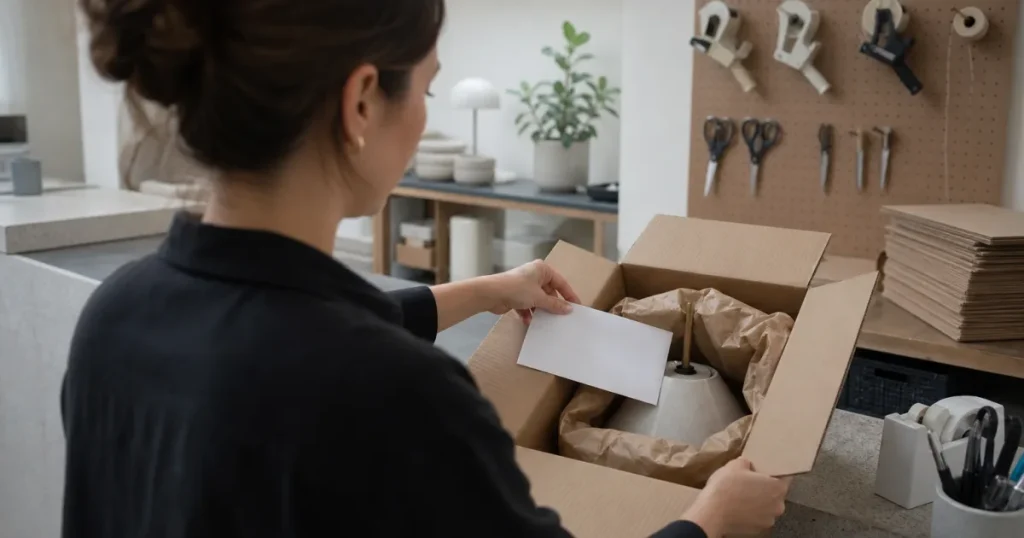
In the box with the order
UPS lets you create return labels whenever you create your outbound shipping labels. The customer finds the label in the parcel and uses it only if something goes back. This works well for products with frequent size swaps. On the other hand, you make a label for every order, including orders that never come back.
By email with a mobile barcode
UPS can email your customer a return shipping label and a mobile barcode. As a result, you create a label only for a return you have agreed to.
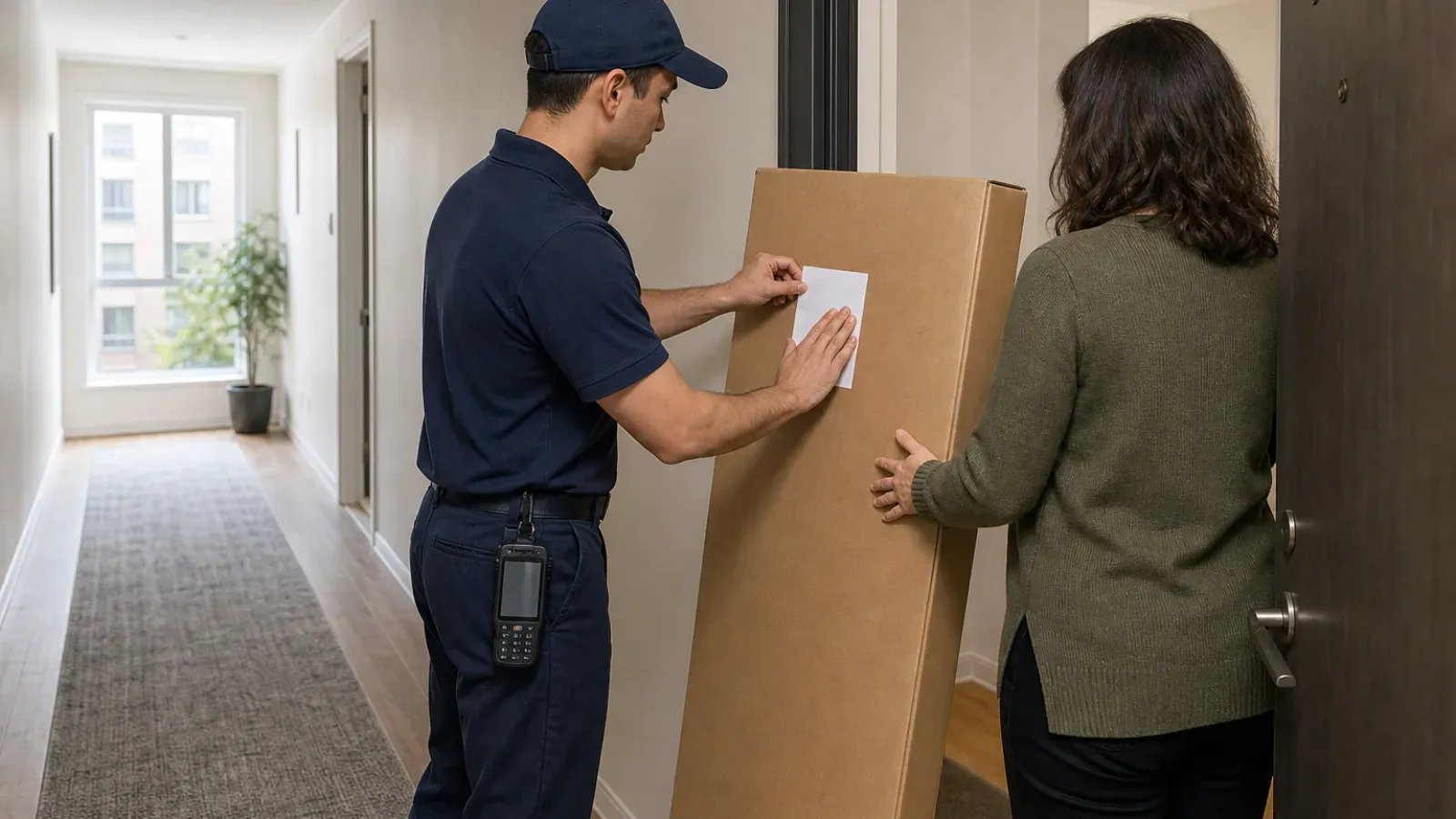
Brought by the driver at pickup
For a pickup, the UPS driver brings the label when they collect the shipment. In addition, UPS makes three pickup attempts. This helps with bulky items and with customers who don’t have a printer.
UPS also offers a box-free route. Through Happy Returns, customers can take a return without a box to The UPS Store locations.
How to create a UPS return label
A Shopify store has two direct routes: the order page in Shopify, or your own UPS account. A returns app adds a third, covered in the QuickReturns section below.
Create a UPS return label in Shopify
According to Shopify Help on buying return labels, you can buy a UPS return label for any UPS domestic service except UPS Ground Saver. You pay Shopify’s discounted UPS rates, or you connect your own UPS account and use its rates. Labels are created per order, not per item. Even so, you can create more than one label from the same order page. For the clicks in the admin, follow the Shopify return label steps.
Create a UPS return label in your UPS account
If you ship on your own UPS account, you create the label with UPS’s return services. Choose the delivery that matches one of the three ways above: a label for the box, an emailed label with a mobile barcode, or a label the driver brings. The screens differ between UPS tools such as ups.com and WorldShip. For that reason, follow UPS’s help for the tool you use.
When one label at a time stops working
Either way, you make one label per return by hand. Someone opens the order, picks the service, checks the parcel details and sends the label. That is fine for a few returns a week. With returns every day, however, each label waits for whoever is free to make it, and the customer waits too.
What a UPS return label costs and who pays
The price depends on the UPS service and the parcel. It also depends on whose rates you use: Shopify’s discounted UPS rates or your own UPS account’s rates. When you pay depends on the route.
For example, Shopify’s return labels use pay-on-scan billing. You aren’t charged when you create the label, only after the carrier scans the package. If a label expires unused, you pay nothing. The cost goes on your Shopify bill. Labels from your own UPS account follow your UPS agreement, so check its terms for return services. For a wider view across carriers, see how prepaid return labels are billed.
Charging the customer for a UPS return label
A store has three options. First, it can absorb the cost and offer free returns. Second, it can take a flat fee from the refund. Third, it can pass on the actual UPS rate for that label.
In Shopify, the label is billed to your account, and Shopify can’t charge the customer for it automatically. To recover the cost, you deduct it by hand when you process the refund.
QuickReturns handles this with a return fee rule. By default, the label is free for the customer. Alternatively, the rule charges a fixed amount, a percentage, a combo fee or Courier Rate. Courier Rate charges the live UPS label rate, with a fallback amount you set. On a return, the fee comes off the refund by default. On an exchange, it goes on the exchange order. You can also collect it upfront, which needs a connected payment provider.
How long is a UPS return label good for?
Through Shopify, UPS return labels expire 6 months after purchase. The label’s URL stops working sooner, after 30 days, so print or save it. Shopify’s return labels can’t be voided or canceled. Instead, an unused label simply expires, and you aren’t charged for it. If you pack labels in the box, keep your return window shorter than the label’s life.
For labels from your own UPS account, the rule to know is how long you can void one. According to UPS’s page on voiding shipments, you must contact UPS to request a void once more than 90 days have passed since you created the label. After 180 days, UPS won’t process a void at all. This is a limit on voiding, not an expiry date, so check the validity of these labels in your UPS terms.
International UPS return labels
Shopify’s return labels are available only for domestic orders within the United States or within Canada. They don’t cover returns between the two countries, and they aren’t available for international orders. For those returns, Shopify points you to the carrier, a third-party service or an app.
With UPS, the return travels as a Return Services shipment. In addition, UPS’s WorldShip help on invoices for return shipments says it needs either a commercial invoice or an address-only invoice. You include the invoice and the return label with the outbound shipment.
If you also ship with FedEx, our guide to FedEx return labels covers FedEx Global Returns for customers in other countries.
Automate UPS return labels with QuickReturns
For a Shopify store that ships with UPS, QuickReturns creates the label automatically when you approve a request. QuickReturns supports prepaid return labels from your own UPS account, and 1,000+ brands use it.
First, you connect UPS once. For this, you need the shipping account number from My Profile in your UPS account. You also need a Client ID and a Client Secret from an app in the UPS Developer Portal; select client credentials when you set up that app. Then, in QuickReturns, open Settings, go to Integrations and find UPS on the Logistics/Shipping tab. Finally, enter the three values, switch on the integration and save. Our UPS connection guide shows each step.
After that, each label comes from your UPS account, which pays for it. The customer receives it by email with a tracking link. You can approve requests one by one. Alternatively, on paid plans, an automation rule can approve new requests for you, so the label goes out without a click.
To pass the cost on, you can charge the live UPS rate with Courier Rate. UPS is one of the carrier integrations in QuickReturns. Automatic return labels come with every plan, including the free one; compare QuickReturns plans.
Send a return label the moment you approve a return.
Frequently asked questions
Creating and sending the label
Yes. In Shopify, you buy one from the order page for a domestic return, at Shopify’s UPS rates or your own account’s rates. On your own UPS account, you create one with UPS’s return services and can email it with a mobile barcode. A returns app can create it when you approve the return.
UPS can email your customer a return shipping label and a mobile barcode. A label bought through Shopify has a URL that expires after 30 days, so print or send it soon. In QuickReturns, the customer gets the UPS label and a tracking link by email as soon as you approve the request.
Cost, expiry and international returns
Bought through Shopify, the label expires 6 months after purchase, and its URL stops working after 30 days. An unused Shopify label costs nothing. For labels from your own UPS account, check your UPS terms. UPS won’t process a void more than 180 days after you create a label.
Yes. In Shopify, the label is billed to your account, and you deduct any fee by hand when you refund. In QuickReturns, a return fee rule charges a fixed amount, a percentage, a combo fee or Courier Rate, which is the live UPS label rate with a fallback. The fee comes off the refund or goes on the exchange order.
No. Shopify’s return labels are available only for domestic orders within the United States or within Canada, and not for returns between the two. For an international UPS return, UPS needs a commercial invoice or an address-only invoice, packed with the return label in the outbound shipment.
Sources: UPS returns for business · UPS: void a shipment · UPS WorldShip help: invoices for Return Services shipments · Shopify Help: buying return labels.
