How to Create a FedEx Return Label for Your Customers
 Written byAyushi Tyagi
 Reviewed byAnuj Goel
Quick answer: A FedEx return label is a label your store pays for so the customer can send an order back. Pack it in the box, email it, or send a QR code, and counter staff print the label. FedEx labels bought in Shopify expire 90 days after purchase. QuickReturns creates the label from your FedEx account when you approve a return.
FedEx’s own help page on creating a return label is written for shoppers who never got one from the retailer. This guide is for the store that sends the label. It covers the three ways to send a FedEx return label, how to create one, how long it lasts and what international returns need. Finally, it shows how to stop making labels by hand. For the wider process, read our complete guide to Shopify returns management.
On this page
- What a FedEx return label is, from the sender’s side
- Three ways to send a FedEx return label
- How to create a FedEx return label
- How long is a FedEx return label good for?
- International FedEx return labels with FedEx Global Returns
- Charging customers for a FedEx return label
- Automate FedEx return labels with QuickReturns
- Frequently asked questions
What a FedEx return label is, from the sender’s side
The label is addressed to your return location, so the parcel comes back to you. Your store pays for it, either through Shopify or through your own FedEx account. The customer packs the item, attaches the label and hands the parcel to FedEx. As a result, they don’t buy postage themselves.
A store can hand over the label at one of two moments. It can pack the label with every order, or it can send one after the customer asks to return something. That choice changes what you pay for and how long the label has to last. The next sections cover both.
Three ways to send a FedEx return label
FedEx’s returns page for businesses describes the options for sellers. Each one suits a different kind of customer.
Pre-printed label in the box
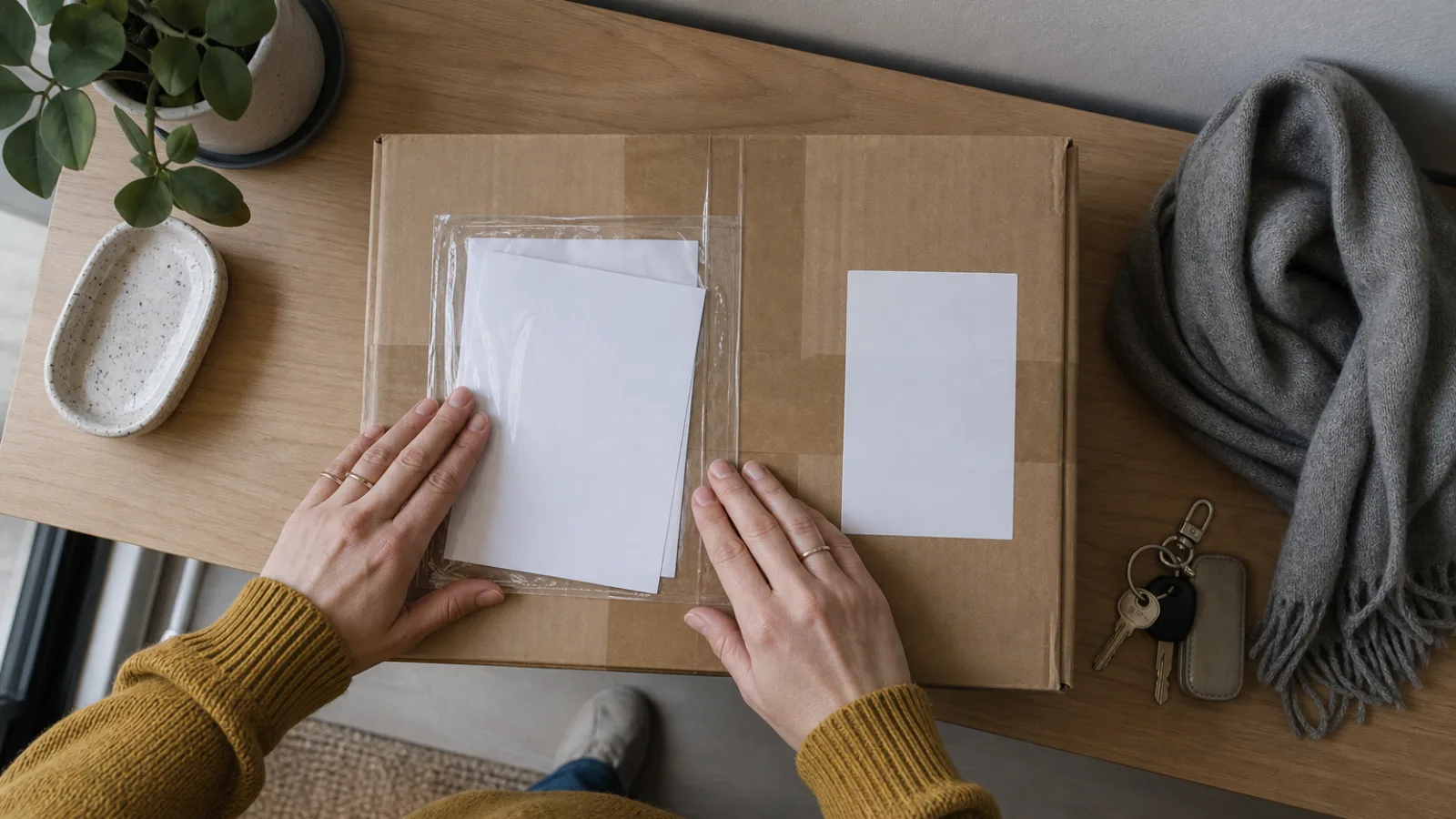
You put a pre-printed return label in the original package, so the customer has it if they need it. This is the easiest option for the shopper. However, every order carries a label, including orders that never come back. So check how your account bills a label that goes unused.
Emailed label the customer prints
You send a return label by email, and the customer prints it at home. In this case, a label exists only for orders that are actually coming back. You also know the return reason before you create it. The catch is that the customer needs a printer.
QR code, no printer needed
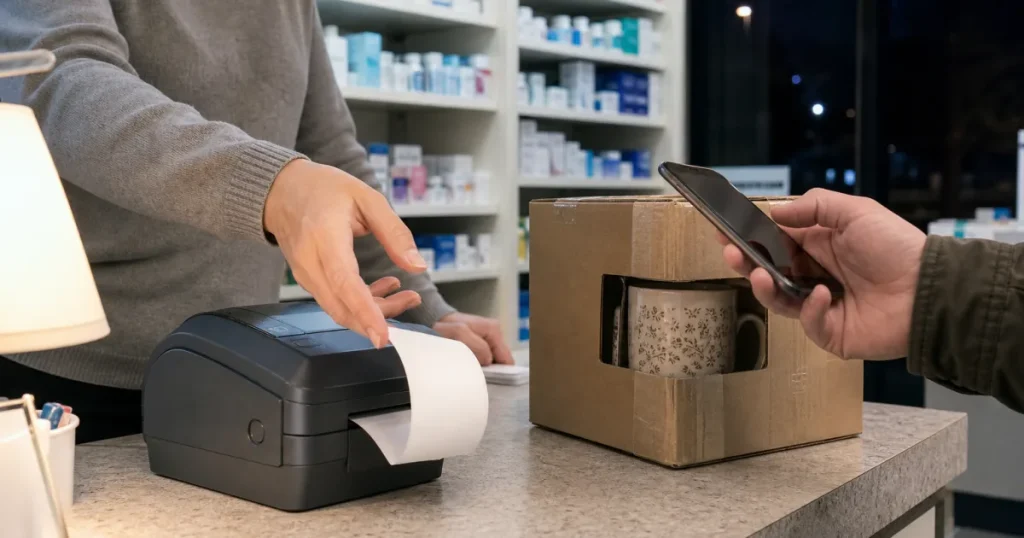
Instead of a printable label, the customer gets a QR code. They bring the return to one of about 10,000 participating locations, including FedEx Office, FedEx Ship Center and Walgreens. According to the FedEx returns page, the customer shows the QR code and a team member prints the label on the spot.
In practice, a label in the box suits stores that want returns to be as easy as possible for the shopper. Emailed labels and QR codes suit stores that want to approve each return first. If many of your customers shop on their phones and don’t own a printer, the QR code removes that step.
How to create a FedEx return label
You can create one by hand in two places: your Shopify admin and your FedEx account. Once returns arrive every day, bulk or automatic labels save the repeated clicks.
Create a FedEx return label in Shopify
Shopify creates the label from the order itself. You start a return on the order, choose to create the return label in Shopify and pick a FedEx service. Shopify Help’s return label page adds one condition for FedEx: both the return location and the customer’s shipping address must include a phone number. Afterwards, you click Email customer, copy a link for your own message, or print the label. For every click in order, follow the Shopify return label steps.
Create a FedEx return label in your FedEx account
If you ship on your own FedEx account, you can create the label on fedex.com instead. On its Global Returns page, FedEx says you need to log in to your FedEx account to create a return label. It also says that, for now, return labels can only be created in the legacy tool. From there, the label goes in the outbound box or to the customer by email, as described above.
Creating many FedEx return labels at once
Making labels one at a time gets slow when returns come in daily. For bulk return labels, FedEx’s business returns page says: “The printing is free. Only pay for shipping, plus any applicable surcharges.” Alternatively, a returns app can create each label the moment you approve a return, as shown in the automation section below.
How long is a FedEx return label good for?
A FedEx label bought in Shopify expires 90 days after purchase. Shopify bills return labels on scan, so you aren’t charged when you create the label, and labels nobody uses cost nothing. On the other hand, Shopify’s return labels can’t be voided. They simply expire.
For this reason, the label has to outlast your return window. A label packed with the order starts its 90 days at dispatch, so the order’s time in transit eats into the window. By contrast, a label sent when the customer asks to return starts its 90 days at that point. That makes emailed labels and QR codes the safer choice for long return windows.
For a label made in your own FedEx account, check the validity in your FedEx account terms before you set your return window.
International FedEx return labels with FedEx Global Returns
Shopify can’t create a label for this kind of return. Its return labels are available only for domestic orders within the United States or within Canada. Also, you can’t buy them for returns between the two countries. For a customer in another country, FedEx Global Returns is FedEx’s own option, covering returns across 200+ countries and territories.
FedEx lists these points for an international return label:
- Commercial invoices travel with the label. If you pack a pre-printed return label and the commercial invoices in the outbound box, FedEx doesn’t charge you when they aren’t used.
- A reason for the return. You pick it from a drop-down menu when you create the label, for customs.
- An RMA number, if you use one. FedEx says the Return Material Authorization number also helps with customs clearance.
- The same account rule. You log in to your FedEx account and use the legacy tool.
If you also ship with UPS, our post on creating a UPS return label covers the invoices UPS needs for a return from abroad.
Charging customers for a FedEx return label
Every label that gets used costs your store money, so decide who carries that cost. There are three common choices:
- Free returns. Your store absorbs the label cost.
- A flat fee. A fixed amount comes off the refund.
- The live FedEx rate. The customer pays what the label actually costs.
With Shopify alone, the label goes on your Shopify bill. Shopify Help is clear on this: “You can’t automatically charge the customer for the label cost.” So any fee needs a separate step at refund time. For the trade-offs between free and paid returns, read who pays for prepaid return labels. QuickReturns can charge the live FedEx rate for you, as the next section shows.
Automate FedEx return labels with QuickReturns
For Shopify stores that ship with FedEx, QuickReturns creates the FedEx return label automatically when you approve a request. QuickReturns connects with FedEx directly, and 1,000+ brands use the app.
QuickReturns supports prepaid return labels from your own connected FedEx account, which is billed for each label. When you approve a return or exchange request, the shopper gets the label and a tracking link by email. You don’t open the order in Shopify or buy the label there. On paid plans, an automation rule can also approve new requests, so labels go out without a click.
By default, the label is free for the shopper. Otherwise, a return fee rule charges a fixed amount, a percentage, a combo, or Courier Rate. With Courier Rate, the shopper pays the live FedEx label rate, and a fallback amount you set applies if no rate comes back. The fee comes off the refund by default, or goes on the exchange order for exchanges. Alternatively, the shopper pays upfront, which needs a connected payment provider.
FedEx sits alongside the other shipping integrations. Compare QuickReturns plans, or read the automatic prepaid return labels guide for the label settings.
Shopify’s built-in FedEx labels fit a store that sends a few labels a month by hand.
Send a return label on every approved return, without opening the order.
Frequently asked questions
Creating and sending the label
Create it from the order in your Shopify admin, or log in to your FedEx account and use FedEx’s legacy tool. Then pack the label in the box, email it, or send a QR code. A returns app such as QuickReturns can create the label from your FedEx account when you approve the return.
Yes, if you send a QR code instead of a printable label. The customer takes the return to a FedEx or participating retail location and shows the code. A team member then prints the label on the spot. FedEx lists about 10,000 participating locations, including FedEx Office, FedEx Ship Center and Walgreens.
Expiry, charges and international returns
Yes. FedEx return labels bought through Shopify expire 90 days after purchase, and they can’t be voided. Unused ones cost nothing, because Shopify bills on scan. For labels created in your own FedEx account, check the validity in your account terms. Either way, make sure the label outlasts your return window.
Not for labels bought in Shopify, which use pay-on-scan billing, so unused labels cost nothing. For international returns, FedEx doesn’t charge for a pre-printed return label packed in the box with the commercial invoices if it isn’t used. For other labels from your FedEx account, check your account’s billing terms.
No. Shopify return labels work only for domestic orders within the United States or within Canada, and not for returns between the two. For an international return, use FedEx Global Returns in your FedEx account. It covers 200+ countries and territories and asks for commercial invoices and a reason for the return.
Sources: FedEx returns for business · FedEx returns · FedEx Global Returns · FedEx: how do I create a return shipping label? · Shopify Help: buying return labels.
