ShipHero Returns Integration: Sync Shopify Returns With Your Warehouse
 Written byAyushi Tyagi
 Reviewed byAnuj Goel
Quick answer: The QuickReturns ShipHero returns integration syncs both ways. When you approve a return, QuickReturns creates the return (RMA) in ShipHero. When your warehouse marks it received there, QuickReturns gets the update and you release the refund or restock. It works with any ShipHero account, on every plan.
If your Shopify store ships from a ShipHero warehouse, a return touches two systems: the shopper’s request lives in your returns app, and the physical parcel lands in the warehouse. A ShipHero returns integration keeps them in step, so nobody re-types an order into ShipHero and nobody refunds an item the warehouse has not seen. For the wider process, see our guide to ecommerce returns management.
On this page
How the ShipHero returns integration works
The return moves through seven stages. You handle steps 2 and 7. The shopper and the warehouse do the rest, and the two systems sync on their own.
- The shopper requests a return or exchange in the QuickReturns portal and picks a reason.
- You approve it. Approval is manual, or by rule on paid plans.
- QuickReturns creates the return (RMA) in ShipHero, so the warehouse knows the parcel is coming.
- The shopper ships it back, with a prepaid return label if you send one.
- The warehouse receives the parcel and processes it in ShipHero.
- That update syncs back to QuickReturns.
- You release the refund or store credit, or restock the item.
QuickReturns supports prepaid return labels, so step 4 can be a label the shopper only has to print. ShipHero’s own RMAs track returns, refunds or credits and exchanges, which is why the RMA is the right object to hand over.
Why the refund should wait for the warehouse
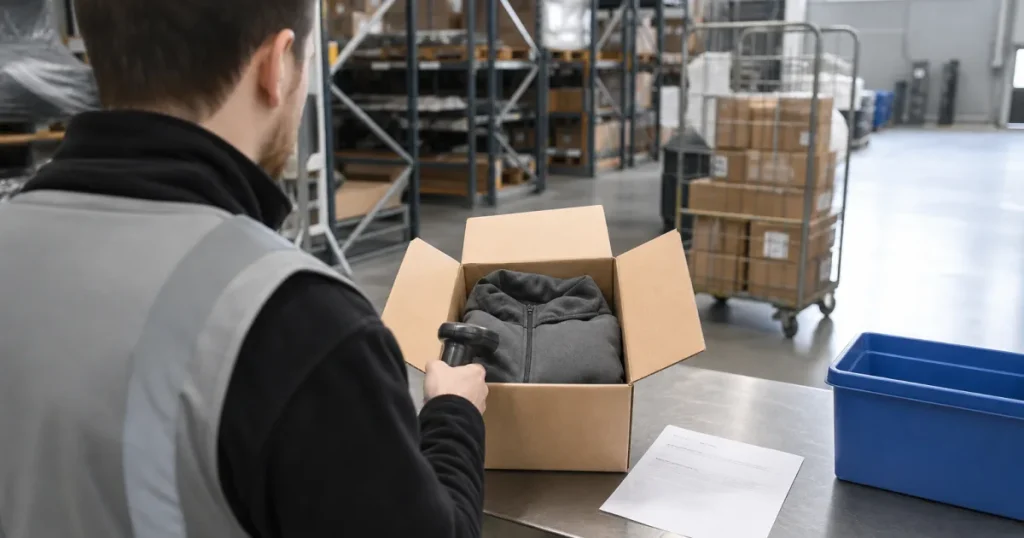
A tracking scan says the parcel arrived at the building. It does not say what is inside or whether it can be sold again. The warehouse check does, and ShipHero records it in two separate steps. Per ShipHero’s guide to receiving returned merchandise, an item marked Received but not Restocked does not raise on-hand inventory. Only Restocked does. When every expected item is in, the RMA shows as Warehouse Complete.
Say a shopper returns a jacket in the wrong size and the parcel arrives on Tuesday. The warehouse opens it, sees the tags are on, and restocks it, so the size is sellable again that day. Say another shopper returns a jacket with a broken zip. The warehouse receives it but does not restock it. In both cases QuickReturns gets the update from ShipHero, and you decide the money with the real condition in front of you. Refund on the tracking scan alone and you find out about the zip after the money has gone.
Releasing the refund stays your call once the receipt update arrives. If you ship through a 3PL with child accounts, ShipHero notes that a child account’s RMA is only visible to the 3PL when the 3PL’s warehouse is selected. Check that with your 3PL before you rely on the handoff.
Using the ShipHero returns integration with a European warehouse
The integration was built with European merchants in mind and works with any ShipHero account, wherever the warehouse is. A UK or EU store with stock in a ShipHero warehouse gets the same flow as a US store. QuickReturns creates prepaid return labels with DHL, Royal Mail and Evri, and also connects with Colissimo.
UK stores have one extra option: QuickReturns can create Royal Mail Tracked 24 and Tracked 48 return labels without a courier signup. Our Royal Mail return label guide covers both routes: no signup, or your own Royal Mail account.
QuickReturns: the ShipHero returns integration on every plan
For Shopify stores that fulfil from ShipHero, QuickReturns is the returns app that keeps the portal and the warehouse on the same RMA. The ShipHero integration is included on every plan, including the Forever Free plan, so you can test it with real returns before you pay for anything.
The Free plan has no automations, so you approve each return and release each refund yourself. Paid plans add rule-based approval. See pricing for the plan limits.
Every plan comes with an account manager and a 1:1 onboarding call, and the account manager can help you connect ShipHero. Browse all QuickReturns integrations for the other carriers and warehouse tools.
Connect ShipHero to your Shopify returns
Frequently asked questions
Does QuickReturns integrate with ShipHero?
Yes. QuickReturns syncs with ShipHero both ways. An approved return creates an RMA in ShipHero, and when your warehouse marks it received there, QuickReturns gets the update. It works with any ShipHero account, in any region.
Does the ShipHero integration work with European warehouses?
Yes. It was built with European merchants in mind and works with any ShipHero account, in any region. QuickReturns also creates prepaid return labels with DHL, Royal Mail and Evri, and connects with Colissimo, so a UK or EU warehouse can run the full return flow.
Is the ShipHero returns integration on the free plan?
Yes. It is available on every QuickReturns plan, including Forever Free. The Free plan has no automations, so you approve returns and release refunds by hand. Rule-based approval comes with paid plans.
Does the refund go out before ShipHero receives the item?
It does not have to. QuickReturns gets the received update from ShipHero, and you then release the refund or restock. That lets you hold the refund until the warehouse has checked the item.
